
How to transfer iPhone video freely?
Sometimes we may need to transfer videos to iPhone without login iTunes by Apple account. The multifunctional Xilisoft iPhone video transfer software enables you to transfer video file from PC to iPhone or transfer iPhone video to PC directly. The software makes it easier to share your video to other people’s iPhone.
Note:Xilisoft iPhone video transfer software now fully supports the latest iPhone5 IOS 6.
This guide will tell you how to fast transfer video file from PC to iPhone with the easy-to-handle iPhone video transfer software.
1. Free download the powerful and simple-to-use Xilisoft iPhone video transfer, install and launch.
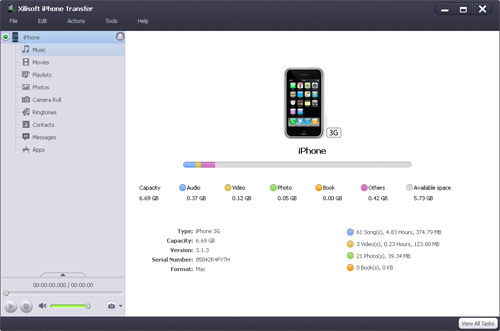
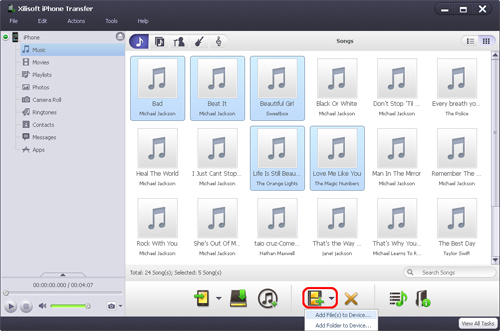
2. In the left directory tree, select the target device file list that you want to import files into. And then click "Add File(s) to Device…" drop-down button, choose "Add File(s) to Device..." option, select the files you want to add in the dialog box that appears, and load them to your device.
You also can transfer the files in your iPhone back to iTunes or local disk with it. Why not have a try, you will find more information at: iPhone video transfer.


